

Proton Mail: Encrypted Email








Proton Mail: Encrypted Email App Info
-
App Name
Proton Mail: Encrypted Email
-
Package Name
ch.protonmail.android
-
Developer
Proton AG -
Category
Communication -
Updated
2026/10/07
-
Version
7.11.10
Proton Mail: Encrypted Email App Usage Overview
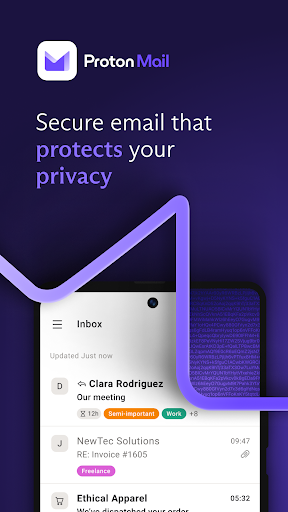
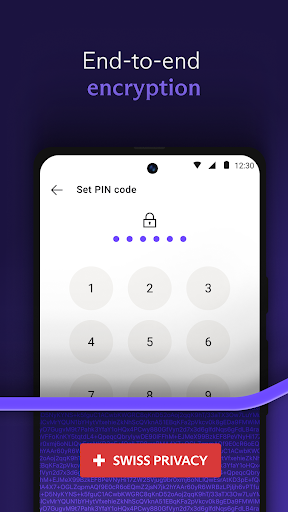
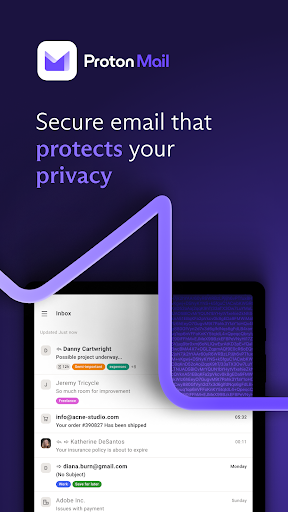
🔒 Proton Mail is a secure email app built for privacy-first communication, using end-to-end encryption and zero-access storage so messages stay unreadable to others.
📨 You start by creating a protected address like @proton.me or @protonmail.com, then use it alongside your existing accounts without exposing your real identity.
🧠 Expect no ad targeting, no AI training, and no inbox scanning, which matters if you run fintech, SaaS, or any business that treats customer trust as infrastructure.
📬 When you receive emails, they can be encrypted and protected between Proton users, with only you and the recipient able to read contents.
🛡️ Proton Mail also includes phishing alerts, spam filtering, and tracker blocking to reduce fraud risks that commonly affect banks, payments teams, and online subscriptions.
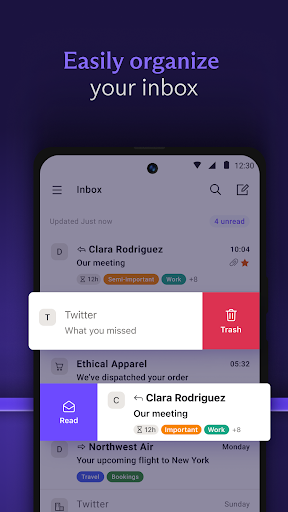
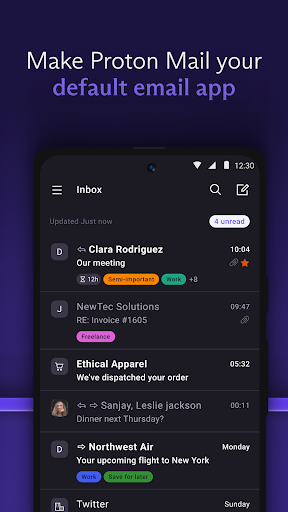
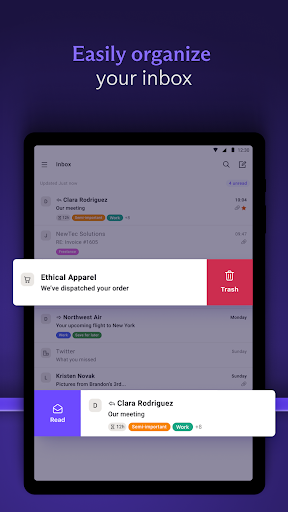
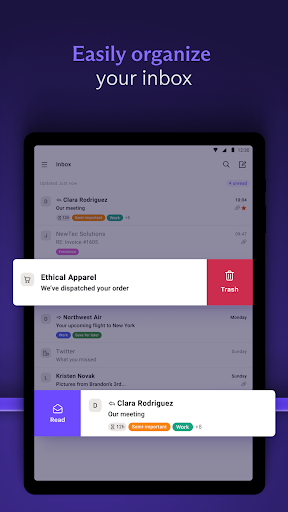
🗂️ For organization, you can use folders, labels, and simple swipe gestures to keep workflows clean, especially when managing invoice threads and support tickets.
📶 One practical benefit is offline mode, letting you read, write, and organize emails without service, with automatic sync afterward.
🧾 Private categories help you focus on important messages automatically, useful for separating legal notices, compliance updates, and high-value account emails.
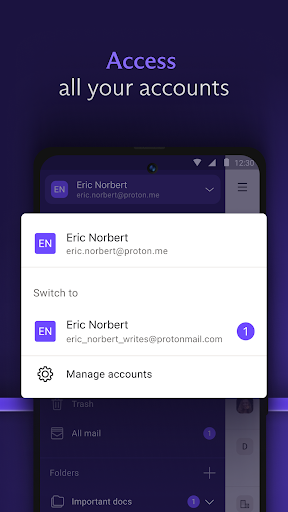
👥 If your organization needs multiple inboxes, you can switch between multiple Proton Mail accounts inside the same secure app.
🕒 For secure sign-ups, Proton offers hide-my-email aliases that forward to your inbox, letting you keep your primary address private for marketplaces and services.
🔄 The Switch feature helps migrate from Gmail with fewer steps, supporting businesses that want to move to encrypted email without manual exporting and importing.
💡 In short, Proton Mail is designed for personal privacy and business-grade security, while remaining usable for everyday email operations.
Pros of Proton Mail: Encrypted Email App
✅ Strong end-to-end and zero-access encryption means your content is protected from third-party access, which is critical for finance and enterprise communications.
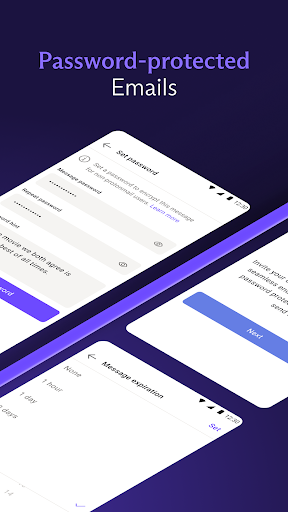
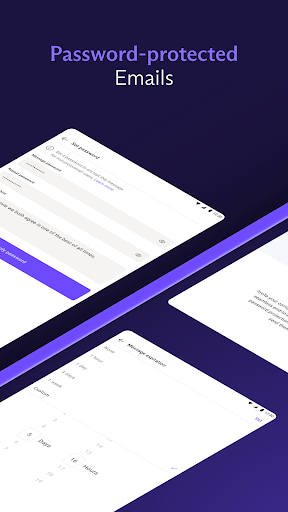
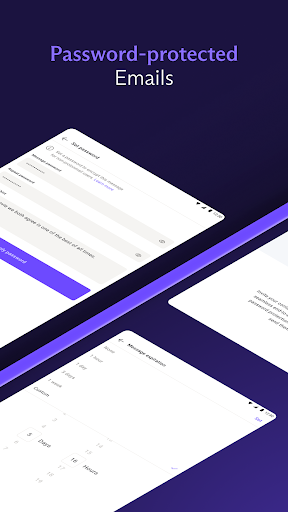
🧩 You can send password-protected emails to anyone, even if they do not use Proton, keeping secure collaboration possible for contractors and clients.
🏦 Built-in anti-spam, phishing alerts, and tracker blocking help prevent credential theft and targeting, which is valuable for payments, trading, and subscription businesses.
📁 The inbox tools—folders, labels, and swipe gestures—make it easier to manage high-volume operations like billing, onboarding, and support.
📴 Offline mode supports consistent productivity, helping teams respond during travel or outages without losing organization and structure.
🕶️ Private categories keep sensitive emails in focus automatically, reducing the chance that urgent matters get buried in day-to-day messages.
🔐 Multiple accounts in one app support teams with separate roles, such as HR, security, and customer success, while still keeping encryption centralized.
💳 Alias addresses enable safer account creation for SaaS tools and online services, reducing data exposure when you sign up for multiple platforms.
📈 Proton Mail’s free tier can provide up to 1 GB storage, and Mail Plus can increase storage to support growing organizations.
Cons of Proton Mail: Encrypted Email App
⚠️ Encrypted email workflows can feel different at first, especially for people used to standard inbox behavior and rapid message previewing.
🔁 Password-protected delivery requires an extra step for recipients, which may slow communication when you need immediate responses from external partners.
📉 Migration from other providers depends on your setup, and while Easy Switch is helpful, complex enterprise migrations still often benefit from careful planning.
🌐 For maximum security, recipients ideally need to understand encrypted delivery, which can require education across customer-facing teams.
🧠 Advanced privacy features can be underutilized by casual users, so teams may need training for consistent usage and policy alignment.
💬 If your organization relies on specific email integrations, you may need to validate compatibility with internal tools before fully switching.
📦 Storage limits on free plans may push upgrades sooner than expected for teams running marketing pipelines, analytics exports, or long-term archives.
Summary
💜 Proton Mail feels like a privacy-forward email platform built for modern risks: phishing, tracking, and unauthorized access.
🛡️ The combination of end-to-end encryption, zero-access storage, and independent auditing supports users who treat email as a sensitive part of their security program.
💼 For startups, SaaS operators, and finance-adjacent teams, the app’s password-protected messaging and alias system improve safe collaboration without constant friction.
📁 The interface stays practical with folders, labels, offline mode, and private categories, so privacy doesn’t require abandoning daily productivity.
🧾 Overall, it’s a strong choice if you want encrypted email with anti-fraud protections and a migration path that can accommodate existing accounts.
🔎 If you’re evaluating high-trust communications for payments, subscriptions, or enterprise services, Proton Mail is worth serious consideration.
How to Download the Proton Mail: Encrypted Email App
⬇️ You can download Proton Mail directly from the Proton website, where the latest app versions are made available for your device.
📱 Choose the platform you use and install the Proton Mail app, then sign in or create your secure email address.
🔐 Once installed, you can set up accounts, enable privacy-friendly features, and import or switch from an existing email provider.
🌐 For more details and the download link, visit https://proton.me/mail.
Proton Mail: Encrypted Email
Version 7.11.10 Updated 2026/10/07


