

Lightroom Photo & Video Editor


Lightroom Photo & Video Editor App Info
-
App Name
Lightroom Photo & Video Editor
-
Package Name
com.adobe.lrmobile
-
Developer
Adobe -
Category
Photography -
Updated
2026/04/13
-
Version
11.3.1
1. Lightroom Photo & Video Editor App Usage Overview
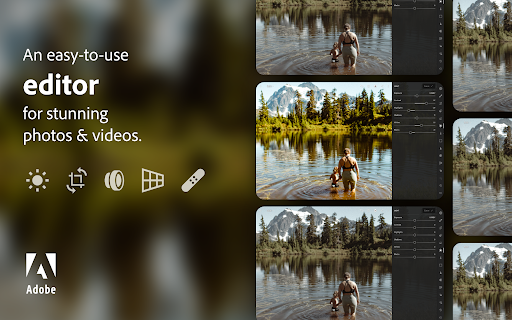
📸 Lightroom Photo & Video Editor App is built for turning everyday shots into moments that feel personal and vivid. It blends AI help with classic photo editing so you can move fast without losing control.
✨ You can start by importing photos or videos, then use tools like Quick Actions and Adaptive Presets to get a great look quickly. This makes the free Lightroom Photo & Video Editor app feel welcoming even if you’re new.
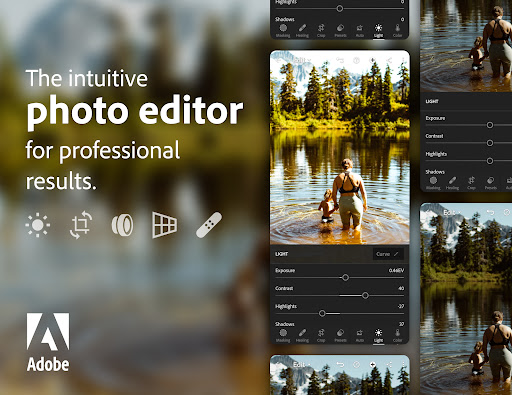
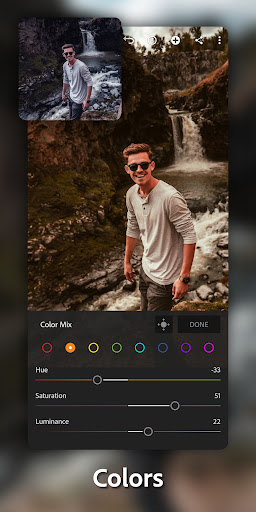
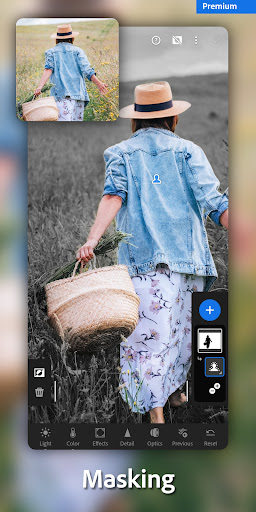
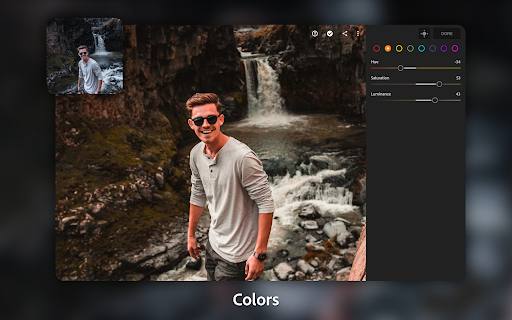
🎛️ The app supports common adjustments such as exposure, highlights, and shadows. You can also refine finer details, tweak color, and try effects like bokeh for a polished vibe.
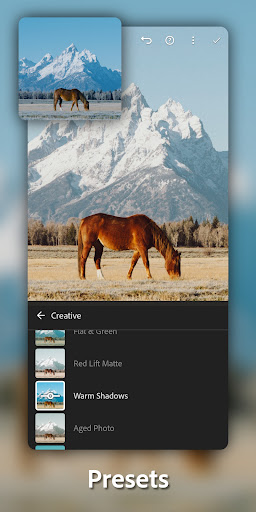
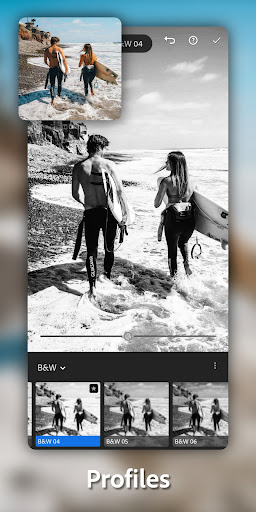
🌅 If you like creative filters, the new film filter presets help match a vintage or cinematic aesthetic. The AI photo editor tools can also suggest edits based on what’s in your image.
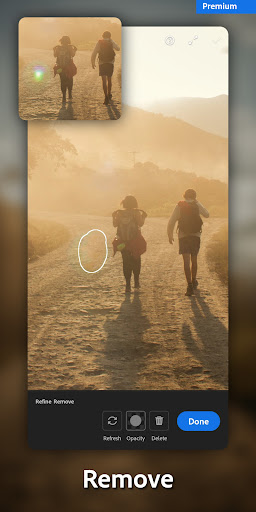
🧽 Lightroom Photo & Video Editor App also includes Generative Remove for removing unwanted objects. It’s designed to help you clean up distractions while keeping your scene natural.
🖼️ For portraits and landscapes, background blur can add depth and make your subject stand out. You can edit with confidence because the workflow stays straightforward and fun.
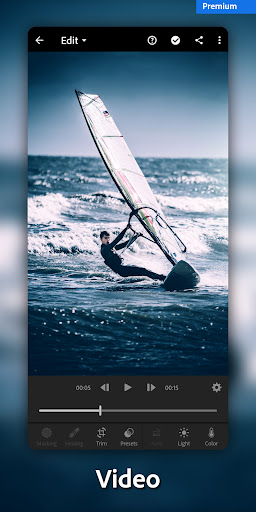
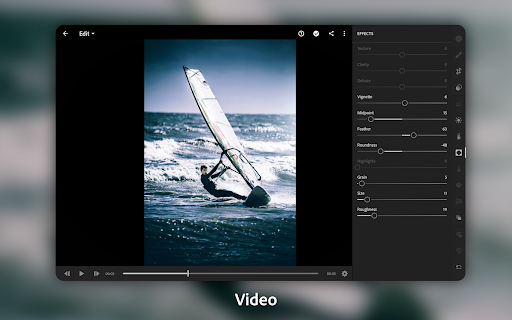
🎬 For creators who mix media, video editing tools bring similar energy to clips. You can adjust light, color, and presets to keep your edits consistent across projects.
🔁 If you take a lot of shots in one session, you can edit once and apply everywhere. Batch-style editing keeps your Lightroom Photo & Video Editor App outputs cohesive.
🧠 When you login Lightroom Photo & Video Editor, your library and projects feel easier to manage. You can keep your style organized and come back to edits when inspiration hits.
2. Pros of Lightroom Photo & Video Editor App
✅ One major advantage is speed. With one-tap features, the free Lightroom Photo & Video Editor app can deliver impressive results in seconds for many photos.
🌈 Second, the AI photo editor tools are genuinely helpful. They suggest edits you might not think of, especially when you want brighter colors or a softer look.
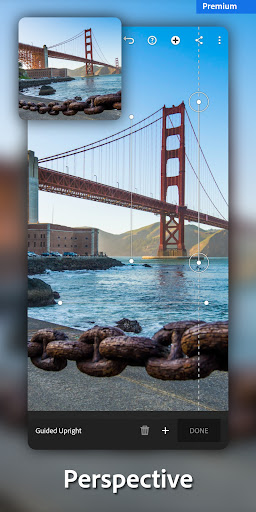
🧩 Third, the toolset covers multiple needs. You can crop and resize, blur backgrounds, apply film filters, and use Generative Remove without feeling overwhelmed.
3. Cons of Lightroom Photo & Video Editor App
⚠️ First, power users may eventually want deeper manual controls beyond what the one-tap approach offers. Some creative workflows can feel limited after quick edits.
📶 Second, AI-assisted edits rely on the quality of your source photos. No app can fully fix poor lighting or heavy blur, so you may still need extra shooting care.
🎞️ Third, if you’re experimenting with styles, it can be easy to over-filter. Finding the right balance takes time, even with the suggested edits.
4. Summary
💬 Overall, Lightroom Photo & Video Editor App feels like a smart companion rather than a complicated studio. It helps you make images look like you remember them—dramatic skies, playful smiles, and clean compositions.
🌟 I like how the free Lightroom Photo & Video Editor app keeps edits approachable while still offering serious tools. Background blur and film filter presets are especially satisfying for creating a consistent aesthetic.
🧠 The combination of Quick Actions and Adaptive Presets supports both fast fixes and more thoughtful edits. If you enjoy building a signature look, Lightroom Photo & Video Editor App Download options can make it easier to keep practicing.
📌 Generative Remove also stands out for removing distractions quickly. It’s the kind of feature that turns “almost perfect” photos into shareable ones.
📷 For anyone searching for Lightroom Photo & Video Editor free download, this app is a strong candidate. The workflow supports confidence-building, creativity, and a final result that feels authentically yours.
5. How to Download the Lightroom Photo & Video Editor App
⬇️ To install Lightroom Photo & Video Editor, you can download it from our website. Follow the on-page steps for the correct version for your device.
🛡️ When you choose Lightroom Photo & Video Editor App Download, make sure the download process matches your phone model. This helps ensure compatibility and smoother installation.
📲 Some users look specifically for Download Lightroom Photo & Video Editor APK. If an APK is offered on the site, review the instructions carefully before install Lightroom Photo & Video Editor.
🔑 After Download Lightroom Photo & Video Editor APK or the standard installer, login Lightroom Photo & Video Editor to sync your library. That makes it easier to continue editing across sessions.
🎉 If you want a free Lightroom Photo & Video Editor app, search within the provided website options. Then proceed with Lightroom Photo & Video Editor App Download and enjoy your first edits.
📥 Once installed, start with the basics like crop and color, then explore film filter presets. That way you’ll quickly understand why Lightroom Photo & Video Editor free download is so popular.
Lightroom Photo & Video Editor
Version 11.3.1 Updated 2026/04/13


