

Adobe Acrobat Reader: Edit PDF


Adobe Acrobat Reader: Edit PDF App Info
-
App Name
Adobe Acrobat Reader: Edit PDF
-
Package Name
com.adobe.reader
-
Developer
Adobe -
Category
Productivity -
Updated
2026/04/24
-
Version
26.4.0.44605
Introduction
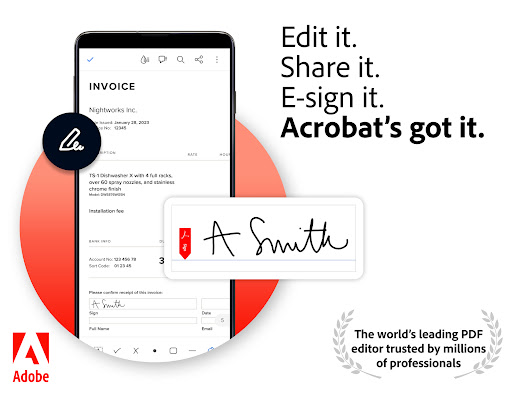
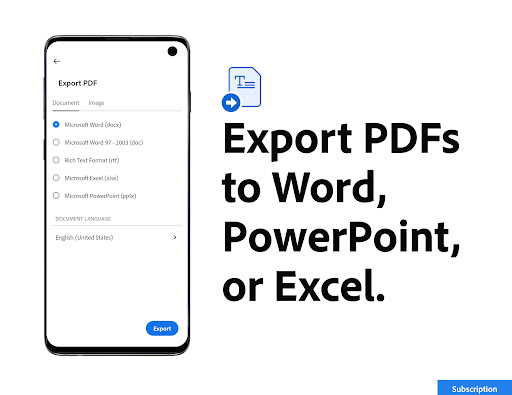
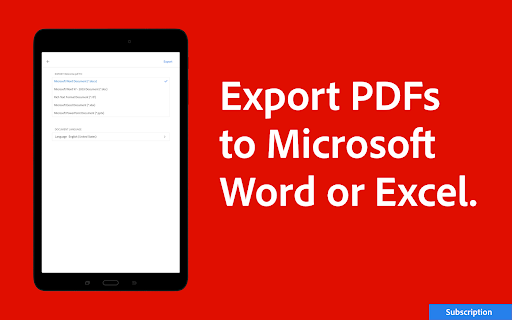
Adobe Acrobat Reader is the world’s most trusted PDF viewer, with more than 635 million installs. It is the perfect app for working with documents on the go. With Adobe Acrobat Reader, you can store your files online, read PDF files anywhere, view, share, annotate, and add e-signatures to PDF documents. With a premium subscription, you can use Acrobat Reader as a PDF editor, converter, and more.
Features
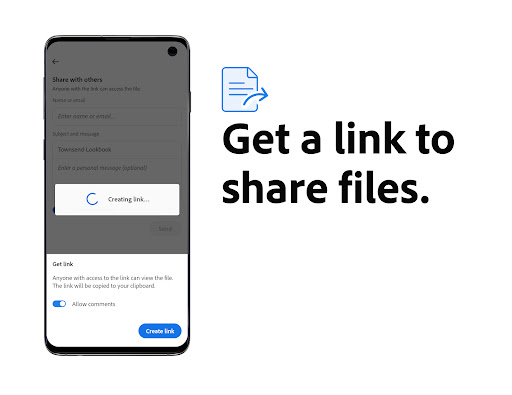
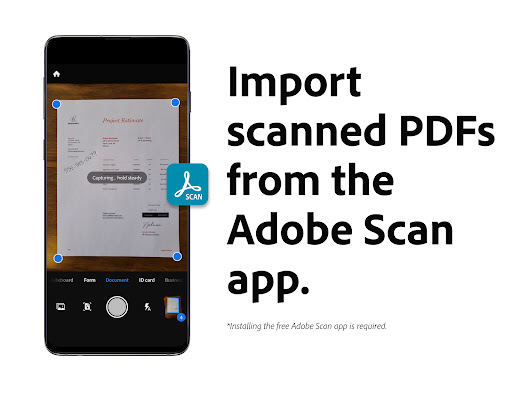
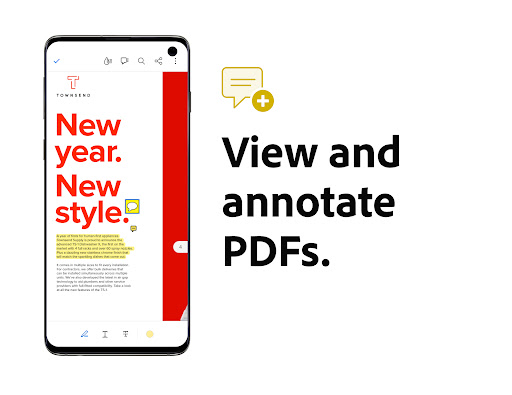
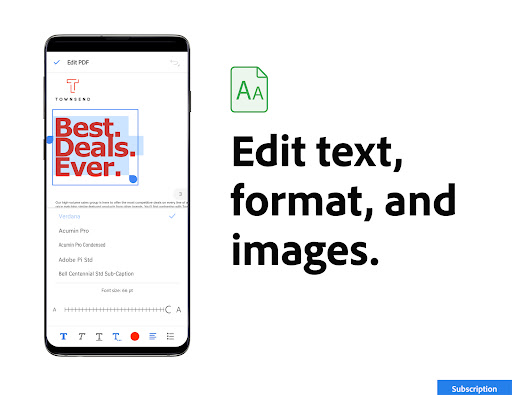
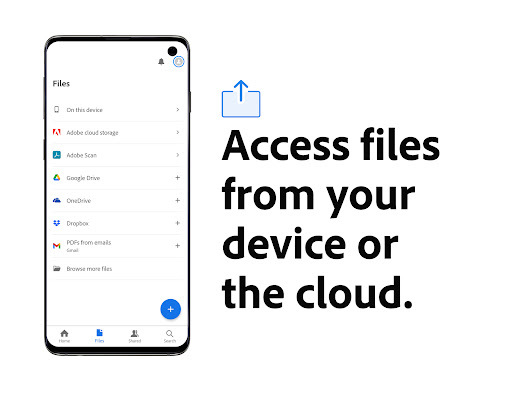
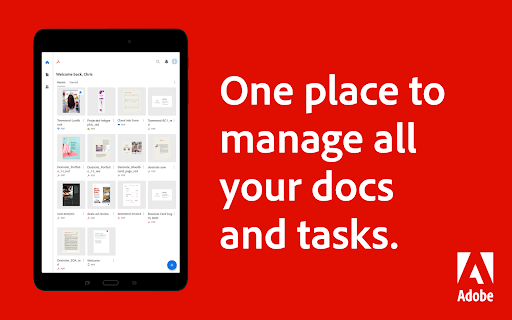
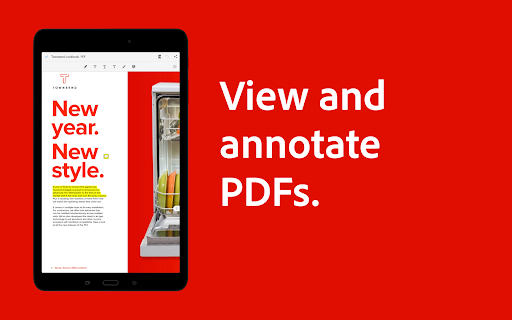
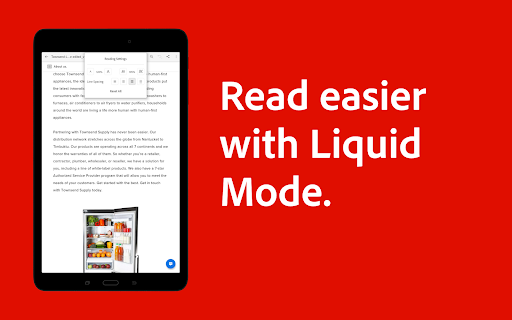
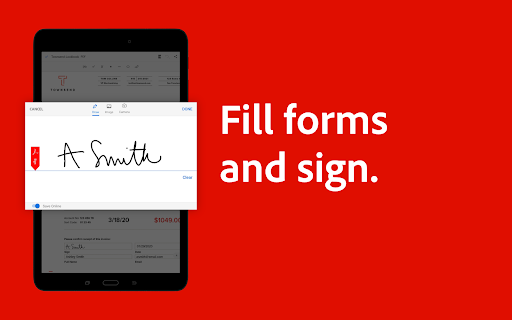
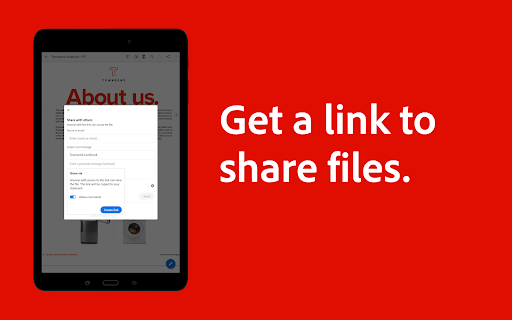
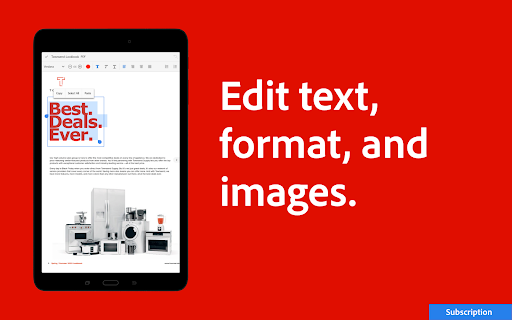
Adobe Acrobat Reader offers a variety of features to make working with PDFs easier. View and print PDFs with the free Adobe PDF viewer app, read PDFs more easily with Liquid Mode, share and collaborate with others, annotate PDFs, edit PDFs with a subscription, fill and sign forms, store and manage files, connect to Google Drive, and work with scanned documents.
Download Now
Download Adobe Acrobat Reader now to get the best PDF reading experience with Liquid Mode, share files for commenting or viewing, edit text and images, fill in PDF forms, store and access files across devices, and more. With a premium subscription, you can use Acrobat Reader as a PDF editor, converter, and more.
Adobe Acrobat Reader: Edit PDF
Version 26.4.0.44605 Updated 2026/04/24


