

Google Chrome: Fast & Secure

Google Chrome: Fast & Secure App Info
-
App Name
Google Chrome: Fast & Secure
-
Package Name
com.android.chrome
-
Developer
Google LLC -
Category
Communication -
Updated
2026/04/22
-
Version
147.0.7727.111
Google Chrome: Fast & Secure — Review
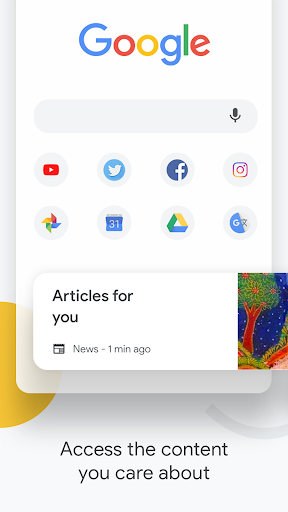
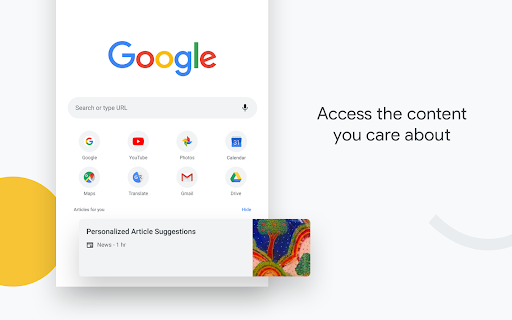
Google Chrome: Fast & Secure remains a practical choice for Android users who want a fast, familiar browser with strong compatibility and seamless integration with Google services. Its biggest strengths are cross-device sync, Safe Browsing, Incognito Mode, Google Translate, Autofill, and voice search.
What Makes Chrome Stand Out
Fast Browsing & Google Integration
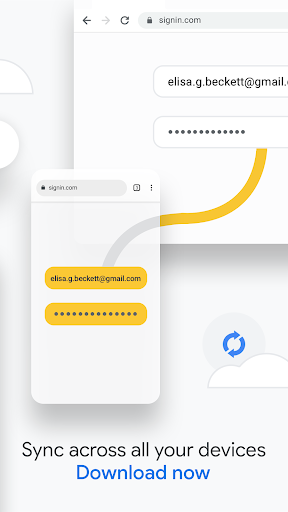
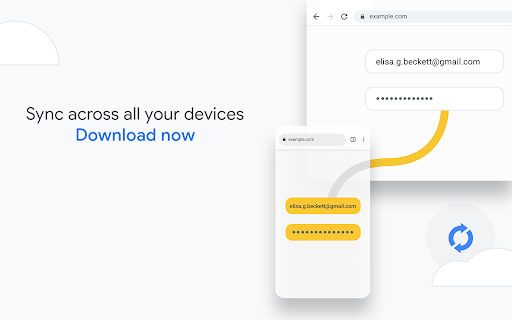
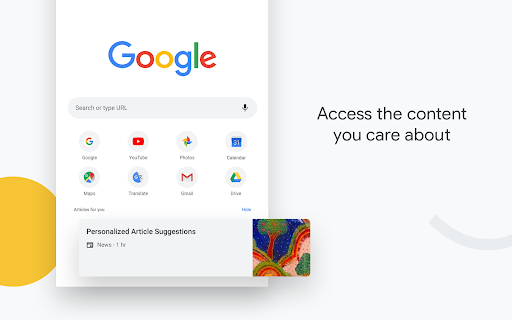
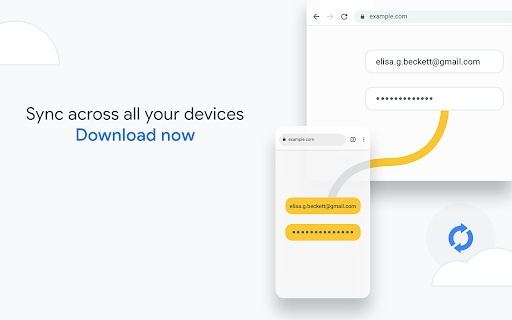
Chrome combines Google Search with a streamlined browsing experience. Users can sync bookmarks, passwords, browsing history, and settings across supported devices, making it especially useful for people who frequently switch between phone, tablet, and computer.
Useful Everyday Tools 🌐
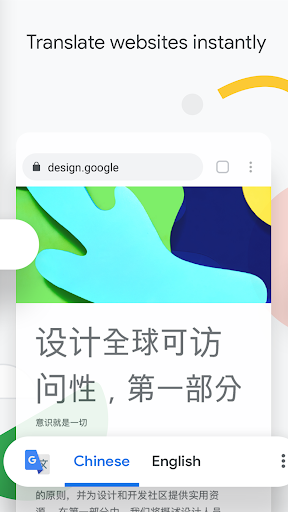
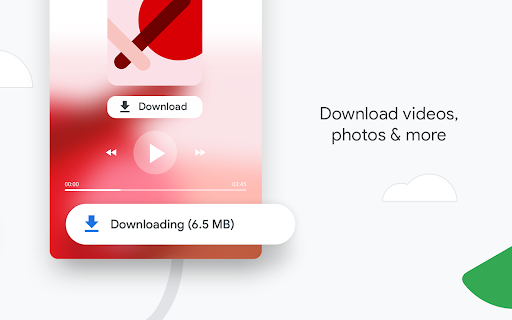
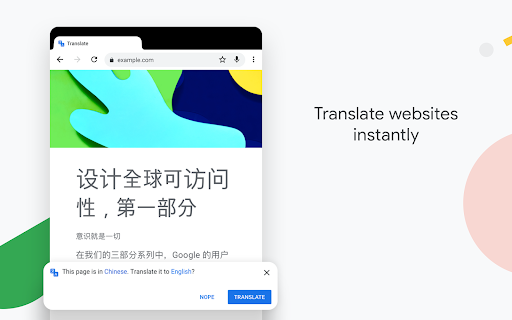
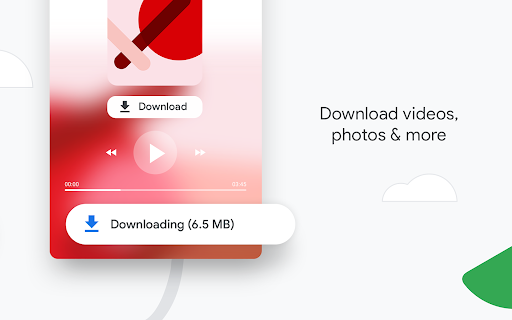
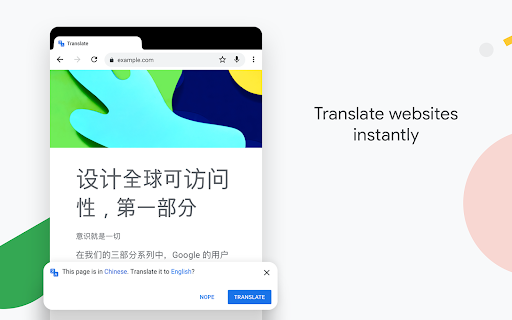
Built-in features such as Google Translate, Autofill, voice search, downloads, and Tap to Search reduce the need for separate tools. For international users, students, and people who frequently research online, these features can make everyday browsing more efficient.
Privacy & Security
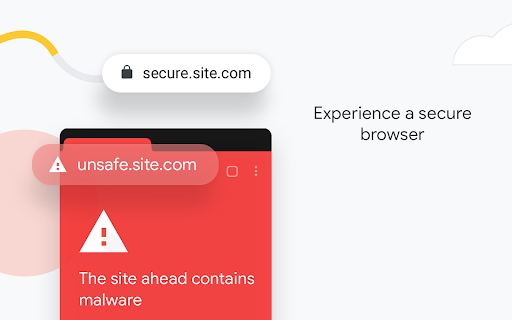
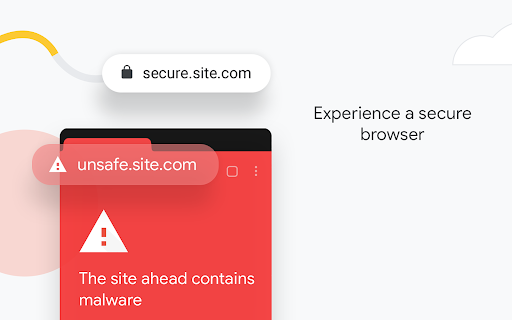
Incognito Mode provides a private browsing option, while Google Safe Browsing warns users about potentially dangerous websites and downloads. However, privacy-conscious users should still review Chrome's permissions and Google account settings.
Which Chrome Version Should You Choose?
Google Chrome is updated frequently, but the latest version isn't always the best choice for every device.
Latest Stable Version
Best for most users who want the newest security patches, web standards, performance improvements, and compatibility with modern websites.
Previous Stable Versions
Recommended for older Android devices or users experiencing crashes, compatibility issues, or higher resource usage after a recent update.
Beta & Dev Releases
Designed for developers and users who want to test upcoming features. These versions may include experimental functions but can be less stable than the official stable release.
If your device performs well with the latest release, the Stable version is usually the recommended choice. Otherwise, appisfree also provides previous Chrome APK versions for broader device compatibility.
Pros & Cons
Pros
-Fast and reliable web browsing
-Strong Google ecosystem integration
-Cross-device synchronization
-Built-in translation and security tools
-Wide compatibility with modern websites
Cons
-Can consume considerable RAM and battery
-Data usage may increase when browsing media-heavy websites
-Some users may have privacy concerns regarding Google's data ecosystem
Best Use Cases
Chrome is particularly suitable for daily web browsing, online research, multilingual websites, password management, and users who already rely on Google services.
For example, a student can use Chrome to research sources and translate foreign pages, while a professional can start browsing on a phone and continue on a computer through synced data.
Chrome vs Other Android Browsers
Choosing the right browser depends on how you use your device.

Chrome remains one of the most widely used Android browsers because of its speed, website compatibility, and deep integration with Google services. Users looking for stronger privacy controls or different ecosystems may prefer alternative browsers depending on their needs.
Analysis from the Editor's Perspective
Reflecting on my experience with the Google Chrome: Fast & Secure app, several insights come to the forefront. Primarily, it stands as a superior choice for individuals seeking a powerful browser with cross-device functionality. The ability to sync preferences and data across devices provides an almost unparalleled utility, quite essential in today’s multi-device ecosystem.
The Google Chrome: Fast & Secure download process is seamless, allowing for a quick installation on both Android and IOS platforms. This app doesn’t just deliver a browsing experience; it enriches it by integrating tools like Google Translate and Autofill, allowing for a tailored browser experience.
From a critical standpoint, its resource demands can be daunting for less capable devices, which may compromise the user experience on older technology. However, the benefits, especially the security features and speed, far outweigh these drawbacks for many users.
Google Chrome: Fast & Secure
Version 147.0.7727.111 Updated 2026/04/22


