

CamScanner- scanner, PDF maker
CamScanner- scanner, PDF maker App Info
-
App Name
CamScanner- scanner, PDF maker
-
Package Name
com.intsig.camscanner
-
Developer
INTSIG PTE -
Category
Productivity -
Updated
2026/09/18
-
Version
7.26.5.2609160000
1. CamScanner- scanner, PDF maker App Usage Overview
💼 If you need an enterprise-grade scanner experience on mobile, CamScanner is built for speed, document workflows, and OCR-driven search. It turns your phone into a portable scanning tool for teams and individuals.
⚡ Open the app and scan instantly using your camera. You can capture receipts, notes, invoices, certificates, business cards, and whiteboard discussions with a few taps.
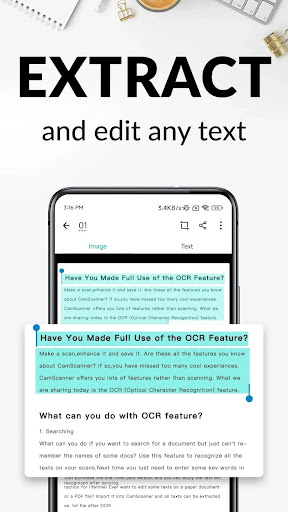
📸 CamScanner automatically recognizes text using OCR. That means your scanned pages become searchable for later retrieval, saving time during audits, tax season, and casework.
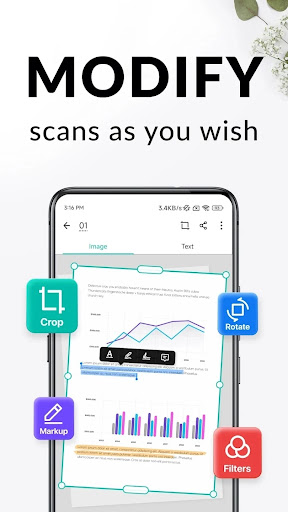
🧠 Improve readability with smart cropping and auto-enhancing. The app sharpens text and graphics so PDFs look professional, not blurry or distorted.
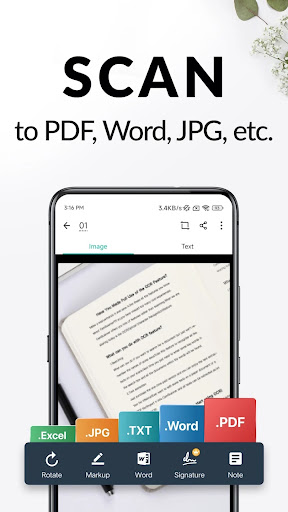
📄 Save and export documents in common formats. You can produce PDFs and also output JPEG, Word, or TXT when you need editable or shareable files.
🔗 Sharing is part of the workflow. You can share documents through social media, email attachments, or download links so stakeholders receive files quickly.
🖨️ For office logistics, the app supports wireless printing and remote fax. You can print to a nearby printer without extra drivers, then select documents for faxing to supported regions.
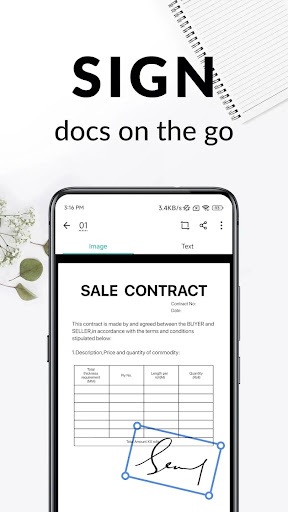
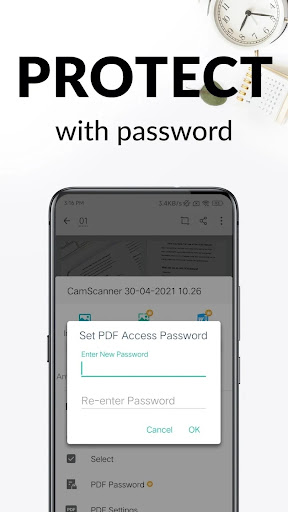
🔐 If you handle sensitive materials, you can set passwords for viewing and even for download links. This helps manage access for confidential contracts and personal records.
☁️ For productivity at work, sync across platforms. Sign in on your smartphone, tablet, or computer at www.camscanner.com to view and edit anywhere.
2. Pros of CamScanner- scanner, PDF maker App
✅ 📈 CamScanner offers strong productivity value for subscription users who manage frequent document tasks. With OCR and smart enhancement, less manual cleanup is required.
🧾 📚 Digitize paper fast. The camera-based scanning workflow supports many document types, including invoices and certificates, which suits accounting and HR teams.
🔍 🕵️ Quick Search is a major advantage. Tagging plus OCR means you can search by content, which is useful for compliance checks and customer support cases.
3. Cons of CamScanner- scanner, PDF maker App
⚠️ 💳 Higher-value plans can feel subscription-heavy. Unlimited access is tied to membership, and the recurring billing schedule may be a barrier for occasional users.
📎 🧠 OCR quality depends on the input. Poor lighting, angled photos, or tiny text can reduce accuracy, requiring rescans for best results.
🔒 ⏱️ Security features add steps. Password protection is helpful, but it can slow sharing for teams that need frictionless access.
4. Summary
📝 CamScanner is a practical scanner app for anyone who wants PDF output, OCR text extraction, and fast sharing. It fits personal workflows and business operations where time matters.
🏢 The combination of document editing tools, watermarking, and search makes it feel more like a workflow system than a simple camera app. For many users, that reduces back-and-forth.
💰 The key trade-off is the membership model. If you scan often and rely on OCR, upgrades may pay off, especially for professionals managing invoices, forms, and client documents.
🔎 Overall, CamScanner is well aligned with high-frequency document handling. It supports the everyday needs of offices, freelancers, and teams that want reliable exports and organization.
5. How to Download the CamScanner- scanner, PDF maker App
⬇️ You can download CamScanner- scanner, PDF maker App from our website. After installing, open the app to start scanning, extracting text, and exporting documents.
📲 If you sign up, you can sync your library across devices. This is helpful for working between phone, tablet, and computer without losing your document history.
🔔 Once installed, explore the scanning, OCR, and sharing options. Then review membership settings if you want unlimited access to premium features.
💬 For feedback or support, contact [email protected]. You can also follow updates on X, Facebook, Instagram, YouTube, and TikTok under CamScanner accounts.
CamScanner- scanner, PDF maker
Version 7.26.5.2609160000 Updated 2026/09/18


