

GPS, Maps, Driving Directions









GPS, Maps, Driving Directions App Info
-
App Name
GPS, Maps, Driving Directions
-
Package Name
com.maps.voice.navigation.traffic.gps.location.route.driving.directions
-
Developer
AppVerge Technologies, LLC -
Category
Maps & Navigation -
Updated
2026/10/16
-
Version
14.26
1. GPS, Maps, Driving Directions App Usage Overview
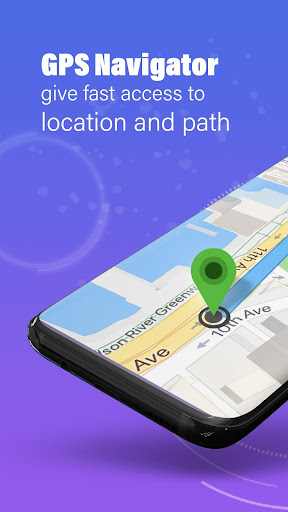
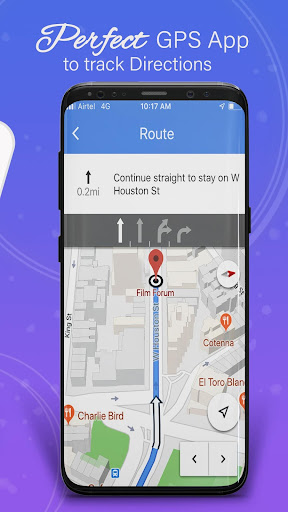
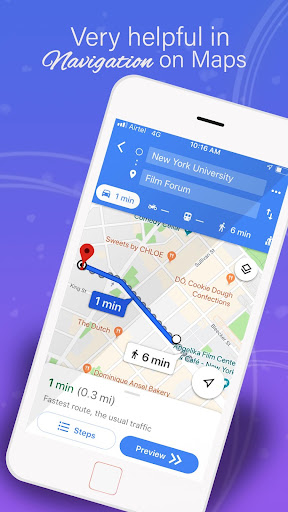
🧭 Use the GPS, Maps, Driving Directions app to simplify commutes, road trips, and daily errands with accurate turn-by-turn navigation and route planning.
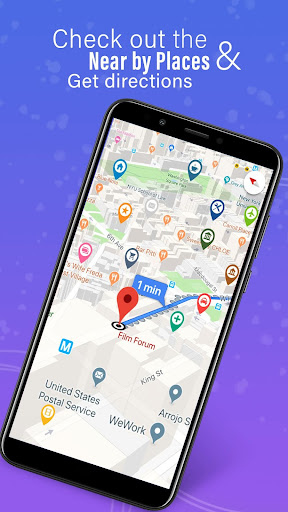
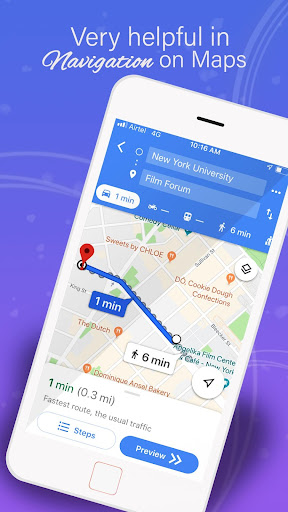
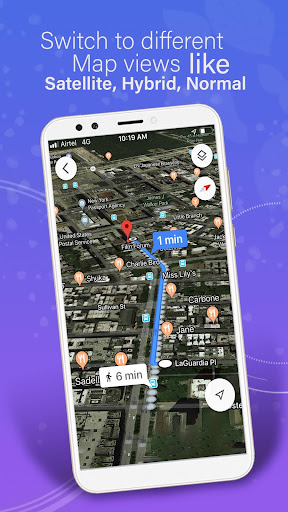
📍 Start navigation, and the app provides real-time GPS navigation updates so you stay on the right path through city streets and highways.
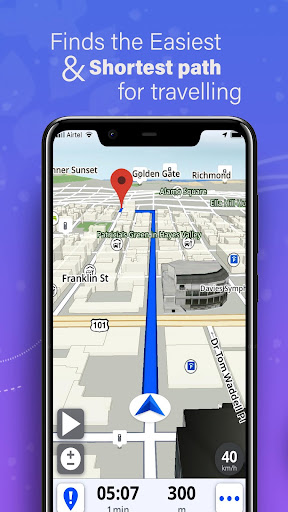
🚗 If you care about time and reliability, driving directions include the shortest route options plus voice guidance to help you reach your destination faster.
🗺️ For budget-friendly travel and backup plans, download offline maps for specific regions or entire routes when internet access is limited.
🌦️ For planning beyond driving, Weather Alerts include severe radar, AQI details, PM2.5/PM10, ozone, UV index, humidity, and pollen monitoring.
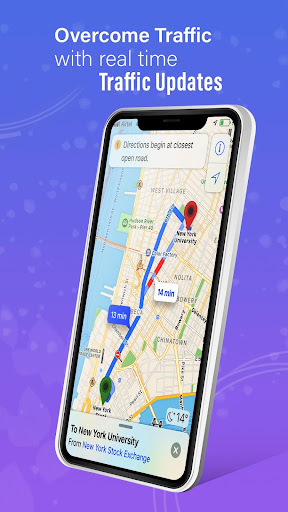
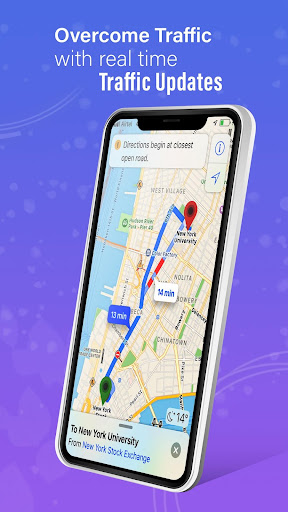
📡 When traffic shifts, live traffic updates and alternative route suggestions help you avoid slowdowns and reduce wasted fuel.
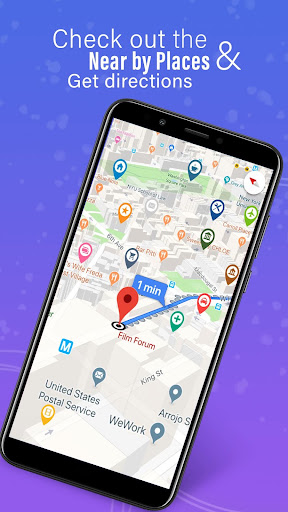
🧰 After every call, the after-call screen brings practical GPS tools like nearby places, map shortcuts, route checking, and quick navigation.
👥 For family and business use cases, the live location tracking and sharing features support group monitoring and coordinated safety.
🛡️ You can create private circles, chat in-app, and use geofencing alerts when someone leaves or enters a defined area.
🏃 Outdoor planning feels smarter with personalized outdoor activity scores for running, cycling, golfing, or beach trips based on current conditions.
📷 Road safety is enhanced with speed camera alerts and speed limit notifications to help you reduce surprises and potential fines.
🧾 If you’re evaluating location-based SaaS workflows, this app also resembles an enterprise-friendly tool for tracking and field coordination.
🧠 Note: the app accesses location information only when actively providing navigation guidance, and you will be notified when the foreground service runs.
2. Pros of GPS, Maps, Driving Directions App
✅ The first major advantage is precise live GPS navigation with continuous turn-by-turn directions, real-time traffic updates, and helpful offline maps.
🧠 For drivers who want fewer mistakes, voice directions and route optimization support quicker decisions when road conditions change.
🚦 The second advantage is traffic alert intelligence that highlights delays and suggests alternative routes, which is valuable for commuters and delivery workflows.
🛰️ The third advantage is the combination of offline directions and offline maps, making it useful for subscriptions-light travel and international trips.
📡 For people who rely on accurate location services, live location tracking with location history and travel history supports practical follow-up.
📷 Speed camera alerts add a safety layer, and they can be especially helpful for frequent drivers who want to keep driving costs predictable.
🌤️ Weather Alerts go beyond basic forecasts by including AQI, UV index, and severe radar details, which helps with scheduling before you step outside.
🧑🤝🧑 Nearby places and route planner support everyday needs like parking and fuel, plus more complex multi-stop trips.
3. Cons of GPS, Maps, Driving Directions App
⚠️ The app’s feature depth can feel like a lot, and some users may need time to learn when to use traffic, weather, and offline options.
📶 Offline maps require advance downloads, and if users forget to download areas, navigation performance may be limited in poor connectivity zones.
🔔 Because the app offers frequent alerts like traffic, weather, and speed camera notifications, some drivers may find settings noisy.
🔍 For live location sharing, continuous monitoring depends on user behavior and consent choices, so setup and circle management matter.
🧩 If you plan to use geofencing alerts and group tracking for employees or family, you may need extra attention to privacy expectations.
🧯 In safety-first setups, the quality of outcomes depends on correct device permissions, stable GPS signals, and consistent app use.
4. Summary
✨ This GPS, Maps, Driving Directions app stands out for combining navigation, traffic intelligence, offline maps, and weather awareness in one interface.
🧭 Turn-by-turn guidance, reliable voice directions, and route planning are strong for daily driving and road trips where timing matters.
🚦 Live traffic alerts and alternative route suggestions help reduce frustration, especially during peak hours and unpredictable detours.
🌦️ Weather Alerts add real value by covering AQI, UV index, and pollen monitoring, which feels more proactive than typical mapping apps.
📍 The live location tracking and family circles support personal safety, while group tracking can also fit field team coordination needs.
🛡️ Overall, if you want an all-in-one travel tool with high practicality, this app is a compelling choice for drivers and safety-minded users.
5. How to Download the GPS, Maps, Driving Directions App
⬇️ Download the GPS, Maps, Driving Directions app directly from our website to get started with live maps, GPS navigation, and driving directions.
🧾 Visit the download page, follow the on-screen steps, and make sure you grant the required permissions for navigation and location features.
📦 After installation, open the app, set your preferences, and consider downloading offline maps early for smoother trips without data reliance.
🚦 Then enable traffic alerts and speed camera alerts if you want a more proactive driving experience from day one.
👨👩👧👦 For family or circle tracking, add trusted members, configure geofencing alerts, and test sharing so it works exactly as expected.
🔒 Finally, review location settings, since the app should access location data only when actively providing navigation guidance.
GPS, Maps, Driving Directions
Version 14.26 Updated 2026/10/16


