

Microsoft Teams








Microsoft Teams App Info
-
App Name
Microsoft Teams
-
Package Name
com.microsoft.teams
-
Developer
Microsoft Corporation -
Category
Business -
Updated
2026/04/15
-
Version
1416.1.0.0.2026073002
Microsoft Teams App Usage Overview
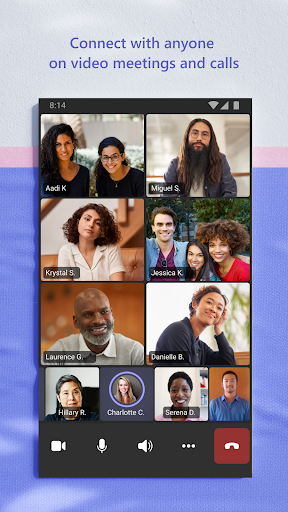
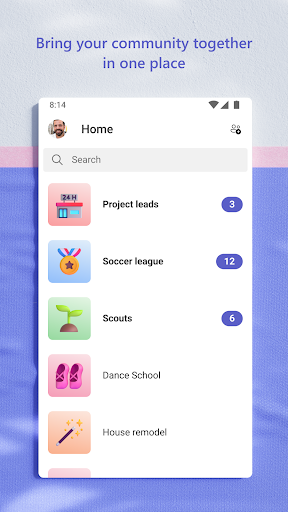
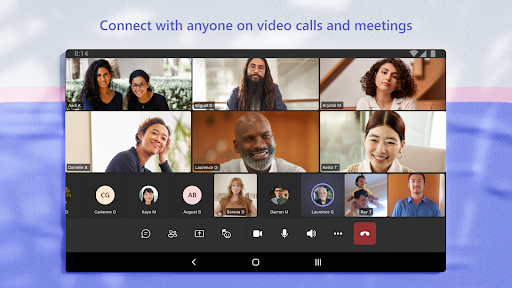
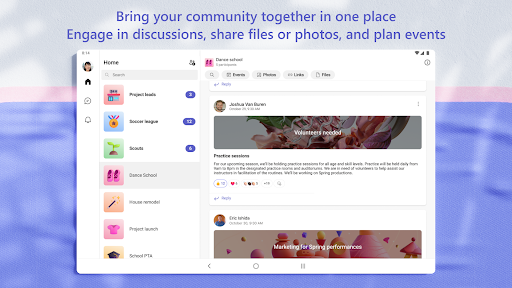
😊 The Microsoft Teams App is an all-in-one solution for connecting communities, teammates, and family members. With its unified platform, it streamlines the collaboration experience, making interaction effortless.
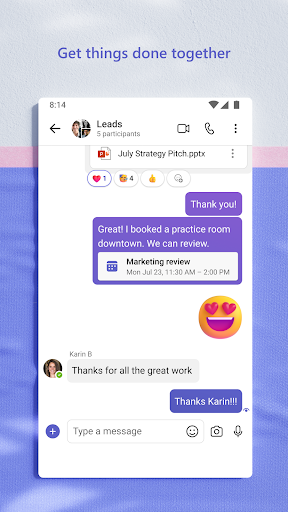
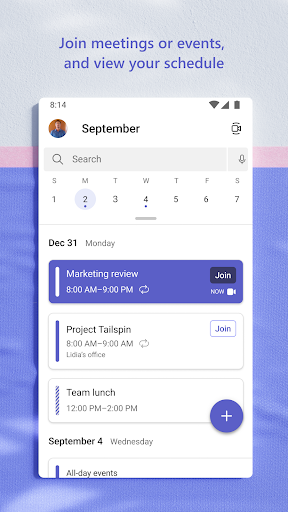
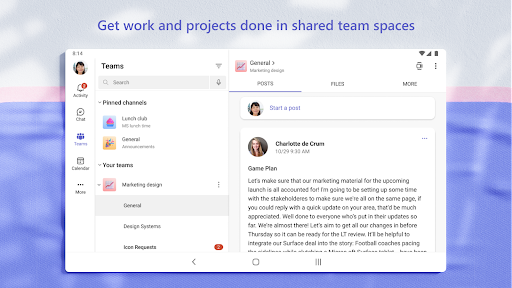
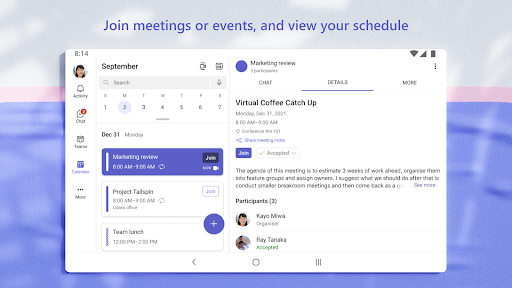
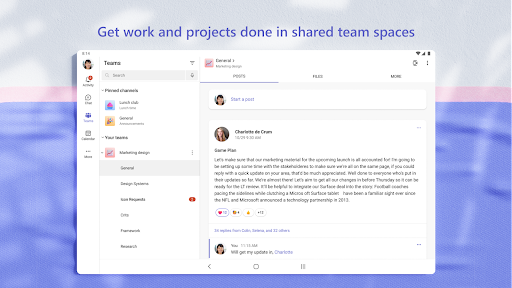
🛠️ You can manage various activities, such as chats, meetings, calendars, files, and tasks, all in one convenient place. This integration sets the stage for effective teamwork and communication.
Pros of Microsoft Teams App
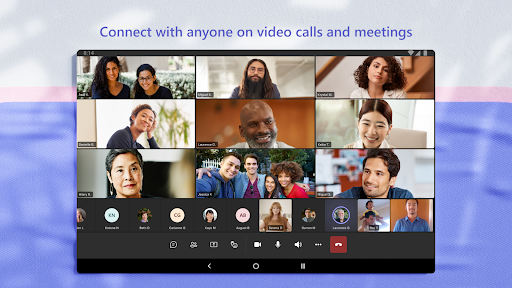
1. 🚀 Centralized Communication: The Microsoft Teams App uniquely combines chat, video calls, and audio conferencing for seamless interaction.
2. 🌐 Collaboration Tools: With built-in cloud storage and document collaboration, the free Microsoft Teams app enhances productivity for all members.
3. 🔒 Secure Environment: Users can rest easy as meetings and chats are held within a secure setting, ensuring privacy and security for all communications.
Cons of Microsoft Teams App
1. 🐌 Learning Curve: Some new users may find the interface cumbersome at first, leading to a steep learning curve.
2. ⚠️ Resource-Intensive: The app may consume significant device resources, which can affect performance on older hardware.
3. 🚧 Overlapping Features: Users might find some features redundant, especially if they use additional collaboration tools.
Which Microsoft Teams APK Version Is Best?
Latest Version (Recommended for Most Users)
🚀The latest Microsoft Teams APK is the recommended choice for most users. Recent updates focus on AI-powered search with Copilot, faster file previews, improved chat organization, enhanced mobile collaboration, and stronger security protections such as malicious URL detection and meeting impersonation alerts. These releases also improve overall performance and compatibility on Android.
Mid-2025 Versions (Best for Stability)
🌟Many enterprise users consider the mid-2025 releases to be particularly stable because they introduced intelligent meeting recap, improved calling reliability, additional ringtone options, and mobile performance optimizations without major interface changes. These versions remain popular in organizations that prioritize reliability over the newest features.
Older Versions
🔍Older Microsoft Teams APK versions are suitable for devices running older Android versions or enterprise environments where IT administrators standardize on a specific release. However, older versions may not support newer Copilot features, enhanced security protections, or the latest collaboration improvements.
Which Version Should You Choose?
📍Latest version: Best for most users who want the newest collaboration features, AI capabilities, and security updates.
🔹Mid-2025 versions: Recommended for organizations seeking a mature and stable release.
▫️Older versions: Best only for compatibility with legacy Android devices or managed enterprise deployments.
Summary
✨ Overall, the Microsoft Teams App serves as a beacon for efficient teamwork. With communities, events, and channels, it enhances communication and organization.
💡 Its unique blend of features makes it ideal for both personal and professional use. With options available for the free Microsoft Teams app, everyone can benefit from its offerings.
How to Download the Microsoft Teams App
📥 To get started, simply visit our website for the Microsoft Teams APK download. Choose the best option that suits your device and enjoy the benefits.
🖥️ You can easily install Microsoft Teams with a few clicks and begin to explore its features after your login Microsoft Teams. Make teamwork a breeze by downloading the Microsoft Teams App today!
Microsoft Teams
Version 1416.1.0.0.2026073002 Updated 2026/04/15


