

TikTok
TikTok App Info
-
App Name
TikTok
-
Package Name
com.zhiliaoapp.musically
-
Developer
TikTok Pte. Ltd. -
Category
Social -
Updated
2026/04/23
-
Version
44.9.3
1. TikTok App Usage Overview
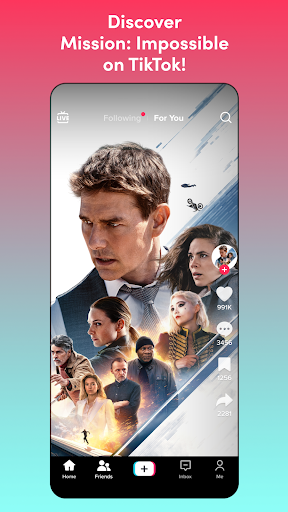
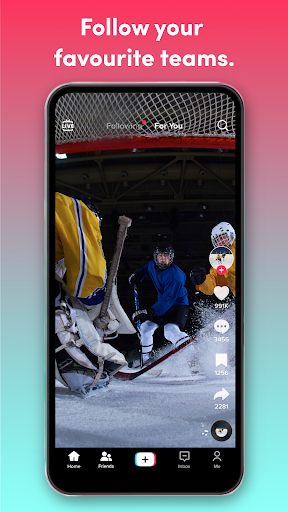
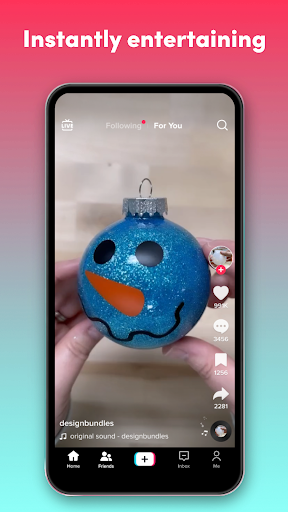
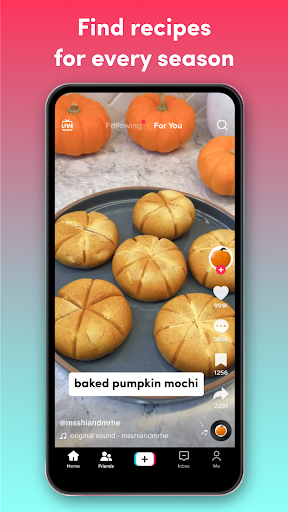
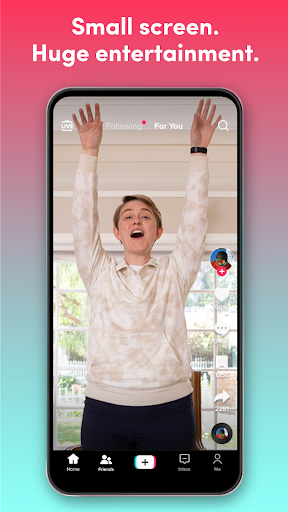
📱 The TikTok App is a global discovery platform where you watch short videos, browse LIVE streams, and explore ideas that match your interests.
👀 Your experience is built around what you like, not who you know, so your feed evolves as you like, scroll, and share.
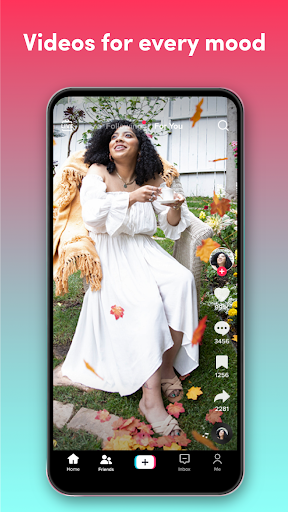
🎭 You can switch between entertainment and learning quickly, finding comedy, gaming, DIY, beauty, sports, music, and education in one place.
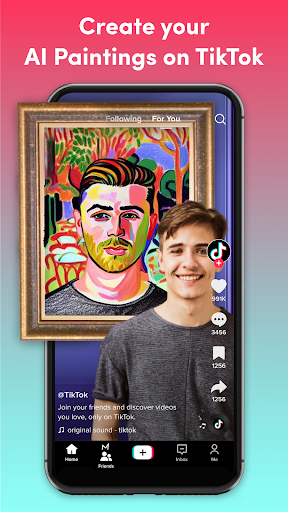
🔔 Creating content is part of the experience, too, with simple tools that help you turn everyday moments into something more engaging.
✨ You can also jump into TikTok Shop to discover products inspired by creators, then shop from videos and the Shop tab.
🧠 With over a billion people using TikTok daily, it’s easy to discover new creators and communities you didn’t know you were looking for.
🛡️ If you care about safety, the app includes more than 50 preset safety and privacy features, including content filters and screen time tools.
👨👩👧👦 Families can use Family Pairing to set time and content preferences that feel right for everyone.
📝 For many users, this is why TikTok feels less like a feed and more like a personalized routine.
📌 When you use a TikTok App Download option, you typically move from discovery to creation faster, because the workflow is designed to be immediate.
🔐 To get started, many people also focus on login TikTok smoothly so they can follow creators and personalize recommendations right away.
🗺️ The app also supports global community features, from commenting and liking to following, sharing, and participating in trends.
2. Pros of TikTok App
✅ One major advantage is the personalized For You feed that learns what you enjoy, helping you find creators, LIVE, shopping, and communities.
🧩 Entertainment, learning, and everything in between are balanced well, so you can laugh and learn without switching apps.
🎬 The creation tools are simple and powerful, letting you record in clips, pause and resume, trim, and merge without leaving TikTok.
🎙️ You can add text and stickers, fine tune your video, and use filters and effects that make your content stand out.
🎵 Another strong benefit is the sounds and music library, with free options you can include in your videos.
🧠 When creators are consistent and ideas are fresh, it becomes easier to build inspiration for daily posting.
🌍 TikTok also feels global, which increases discovery, because trends and creators spread across regions and communities.
🛍️ If you enjoy shopping, TikTok Shop turns discovery into action, with exclusive deals and seamless experiences tied to creator content.
🚀 Going LIVE helps you connect in real time, chat with your community, and unlock special features where available.
🔒 The app’s safety and privacy controls are extensive, supporting private accounts, content filters, screen time tools, and Family Pairing.
🧑🤝🧑 For teens and families, that support can make the platform feel more manageable and transparent.
3. Cons of TikTok App
⚠️ One drawback is how addictive the scrolling can feel, because the feed constantly refreshes with new recommendations.
⏳ If you’re not careful with time, it can be easy to lose track, especially when the free TikTok app experience is optimized for endless discovery.
🎛️ Some features, like TikTok Shop browsing and browsing via recommendations, may require extra attention to avoid overspending.
🔍 Even with privacy tools, you may still wonder how much data influences the For You feed, particularly after a TikTok App Download and rapid usage.
📱 Another downside is that creation can become stressful when you compare your output to others, even if install TikTok is quick.
🧾 Occasionally, login TikTok steps can be confusing on new devices, depending on how your account and verification are set up.
📣 With many trending sounds and effects, it may take practice to make your content look original instead of copied.
🧠 Recommendation loops can narrow your interests over time, even when you start with broad curiosity.
🧯 Safety features help, but no system is perfect, so you still need to review settings and content preferences.
📵 If your connection is unstable, video loading may feel inconsistent during watching, LIVE, or shopping previews.
🧩 For some users, the variety of features means there’s a learning curve before you find your ideal routine.
4. Summary
🌟 In my view, TikTok is a strong mix of entertainment and discovery, designed around your habits, not your social circle.
😍 The TikTok App Download path is especially appealing if you want quick access to watching, learning, and creating in one flow.
🎨 I also appreciate the easy editing experience, because you don’t need advanced skills to publish something polished.
📚 When I want ideas, I can switch from tutorials to music trends and back without friction, which makes the free TikTok app feel practical.
🛍️ TikTok Shop can be a convenient add-on, though I recommend checking deals carefully to keep spending intentional.
🔒 The safety and privacy toolkit stands out, especially for families using Family Pairing and screen time controls.
🤝 For creators, the platform supports momentum, so your early posts can lead to new opportunities and collaborations.
🧭 If you enjoy personalization, the For You feed can make TikTok feel like a daily guide, not just another video app.
🧠 Overall, TikTok free download options and install TikTok steps make it easy to start, but your experience improves as you shape it.
📌 If you plan to keep using it, a mindful approach helps, like setting time limits and curating what you like.
5. How to Download the TikTok App
⬇️ To get started, you can Download TikTok from our website, then follow the on-screen steps to install and open the app.
📲 Many users look for a TikTok App Download link to save time, then proceed through permissions and setup for smoother use.
🧩 If you’re searching for Download TikTok APK, verify you’re using a trusted source before installing on your device.
🔐 After install TikTok, complete login TikTok by signing in with your preferred method so your feed personalizes immediately.
🌍 Whether you choose a free TikTok app route or a standard install, the core experience stays centered on discovery and creation.
🛠️ Once you’re in, explore creators, try LIVE, and use TikTok App tools to edit and publish your first clips.
🛍️ You can also explore TikTok Shop right away, finding trending products and exclusive deals from videos.
🎥 Finally, spend a few minutes liking and saving content to help the For You feed learn faster.
🔎 For more details on safety tools and policies, check the TikTok Safety Center at https://www.tiktok.com/safety/en.
📄 You can also review Terms of Service at https://www.tiktok.com/legal/terms-of-service and the Privacy Policy at https://www.tiktok.com/legal/privacy-policy.
💬 If you want to share Feedback, contact https://www.tiktok.com/legal/report/feedback or tweet us @tiktok_us.
⭐ Ready to discover more? Download TikTok, and try watching, creating, and exploring your world in a new way.
TikTok
Version 44.9.3 Updated 2026/04/23


