

MyFitnessPal: Calorie Counter


MyFitnessPal: Calorie Counter App Info
-
App Name
MyFitnessPal: Calorie Counter
-
Package Name
com.myfitnesspal.android
-
Developer
MyFitnessPal, Inc. -
Category
Health & Fitness -
Updated
2026/04/02
-
Version
26.14.0
MyFitnessPal: Calorie Counter App Usage Overview
💡 If you want a high-ROI health and fitness tracking workflow, MyFitnessPal positions itself as an AI-powered subscription-friendly platform for calorie, macro, and workout logging in one place.
🧠 The app helps you set personalized fitness and nutrition goals, including weight loss, gain, maintenance, or performance, then tracks progress with science-backed nutrition insights.
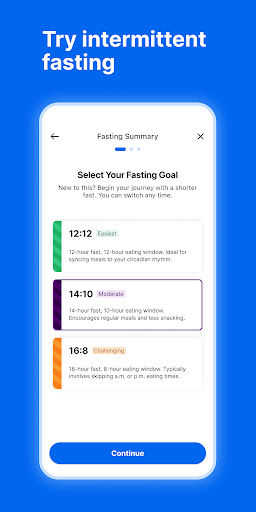
📈 Logging is designed to be fast and repeatable, supporting food journal habits, water tracking, intermittent fasting, and fitness monitoring without switching between tools.
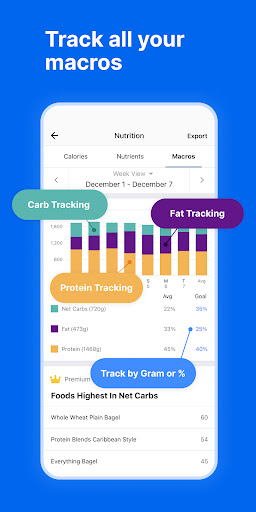
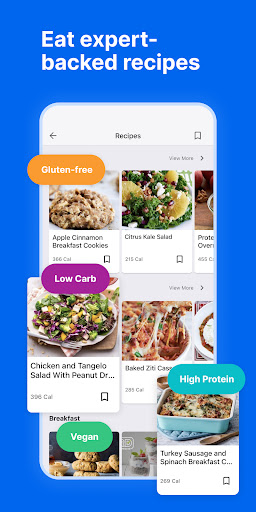
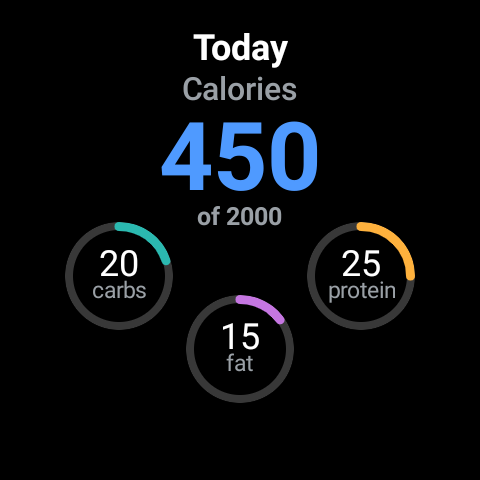
🥗 You can log meals from a very large food catalog, including restaurant dishes, then review macro breakdowns like carbs, fat, and protein against custom targets.
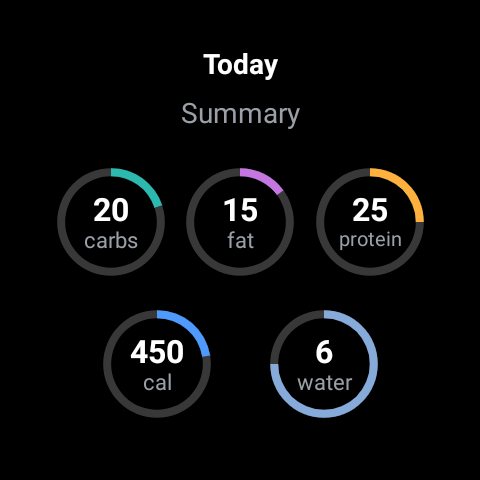
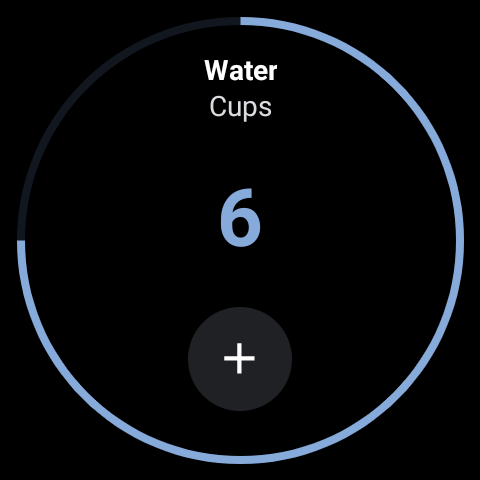
💧 Built-in water tracking keeps hydration visible so your nutrition plan is easier to follow, especially when you’re managing a calorie budget.
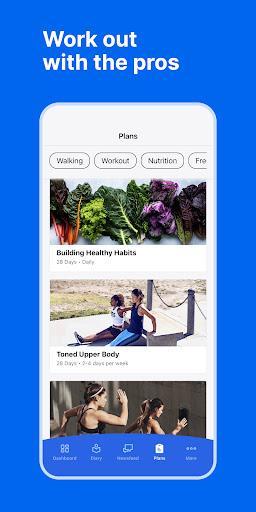
🏃 Fitness tracking options include workouts and steps, letting you connect daily activity to calorie burn and overall nutrition outcomes.
📊 At a glance or in deeper views, you can monitor nutrition stats and health insights, then adjust habits based on trends rather than guesswork.
⌚ Wear OS support adds faster logging on your wrist, which can be valuable if you prefer mobile-first workflows and quick check-ins.
🤖 Recent additions like AI Coach focus on navigation and personalized guidance, using your goals and logging history to reduce friction during setup.
🩺 For GLP-1 users, the GLP-1 tracking feature enables symptom and side-effect pattern spotting, plus reminders to help you stay consistent with medication schedules.
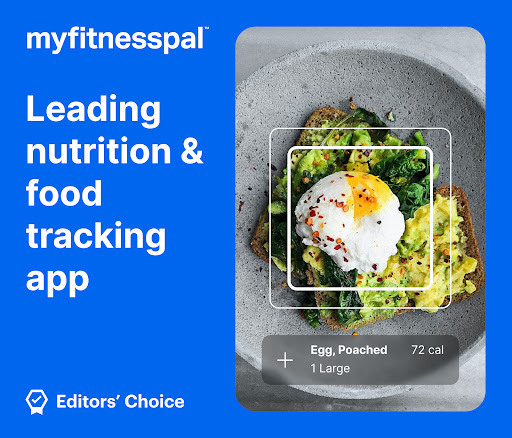
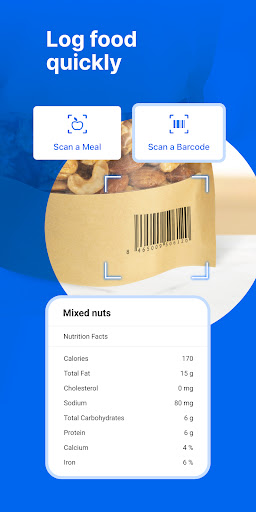
🔒 Premium options add advanced convenience features, including barcode scan, meal scan, voice logging, ad-free tracking, and richer comparisons.
💬 Premium Plus expands into nutrition-focused meal planning, grocery delivery integration, and larger recipe libraries tailored to your goals.
Pros of MyFitnessPal: Calorie Counter App
✅ 1. AI-powered guidance can improve long-term adherence by tailoring insights to your habits and history, which is a practical advantage for subscription retention.
🚀 2. The database and nutrition breakdown are comprehensive, enabling efficient calorie and macro tracking for real-world meals, including restaurant options.
🏋️ 3. Fitness logging and progress views connect diet and activity, helping you understand how workouts influence daily calorie goals and nutrition stats.
Cons of MyFitnessPal: Calorie Counter App
⚠️ 1. Some of the most powerful capabilities, like deeper tracking convenience and meal planning expansions, are positioned behind Premium or Premium Plus.
🧾 2. With many features, first-time setup can feel like onboarding to a full platform rather than a simple counter, which may overwhelm casual users.
📅 3. GLP-1 tracking adds an extra layer of logging and reminders, so if you want minimal tracking, it may not fit your routine.
Summary
✨ MyFitnessPal feels like more than a calorie counter, blending nutrition, fitness, habit-building, and AI guidance into a single ecosystem.
🧠 If you value personalized dashboards, macro targets, and consistent logging, it supports both behavior change and performance-oriented tracking.
💼 For users who prefer subscription-level convenience, Premium features like barcode scan, ad-free logging, and comparisons can justify the upgrade.
🩺 If you’re on GLP-1 medication, the medication tracking and symptom pattern tools add a unique monitoring angle not found in basic nutrition apps.
📱 Overall, it’s a strong option for anyone seeking a comprehensive tracking solution that scales from simple journaling to deeper health insights.
🔎 The app’s best value appears when you use it consistently, review progress trends, and refine goals rather than treat it as a one-off log.
How to Download the MyFitnessPal: Calorie Counter App
⬇️ You can download MyFitnessPal from our website, then start using calorie, macro, food, workout, and water tracking right away.
🆓 Many users begin with a free Premium trial, which helps you evaluate barcode or scan logging, customized targets, and ad-free progress views.
📦 After installing, you can set your goals, connect routines like meal planning, and tailor tracking for keto-style net carbs if you want that mode.
🔐 Once configured, you can also explore community support, save recipes, and use reminders for GLP-1 medication tracking when relevant.
🌐 For legal details about subscription terms and privacy protections, review the terms of service and privacy policy on the official site.
MyFitnessPal: Calorie Counter
Version 26.14.0 Updated 2026/04/02


